> ## Documentation Index
> Fetch the complete documentation index at: https://citodocs.prostack.host/llms.txt
> Use this file to discover all available pages before exploring further.
# Installing WordPress
> How to create a new WordPress site in Cito with automatic database setup
Cito can automatically install Wordpress for you, including setting up a MySQL database, so all you need to do is choose a site name and start creating. Below you can find instructions for the UI and CLI.
**Which Wordpress version?**
We download and install the **latest** version of Wordpress by default.
## Using the Create Site Wizard
Setting up a new Wordpress site is straightforward. Visit the dashboard and click the "Create Site" button in the **top right hand corner** of the page.
 From there you can select the Wordpress option:
 You will be prompted to enter the domain name- enter this **without www**.
You can optionally choose a username, but we will auto-generate one for you if you do not.
You will be prompted to enter the domain name- enter this **without www**.
You can optionally choose a username, but we will auto-generate one for you if you do not.
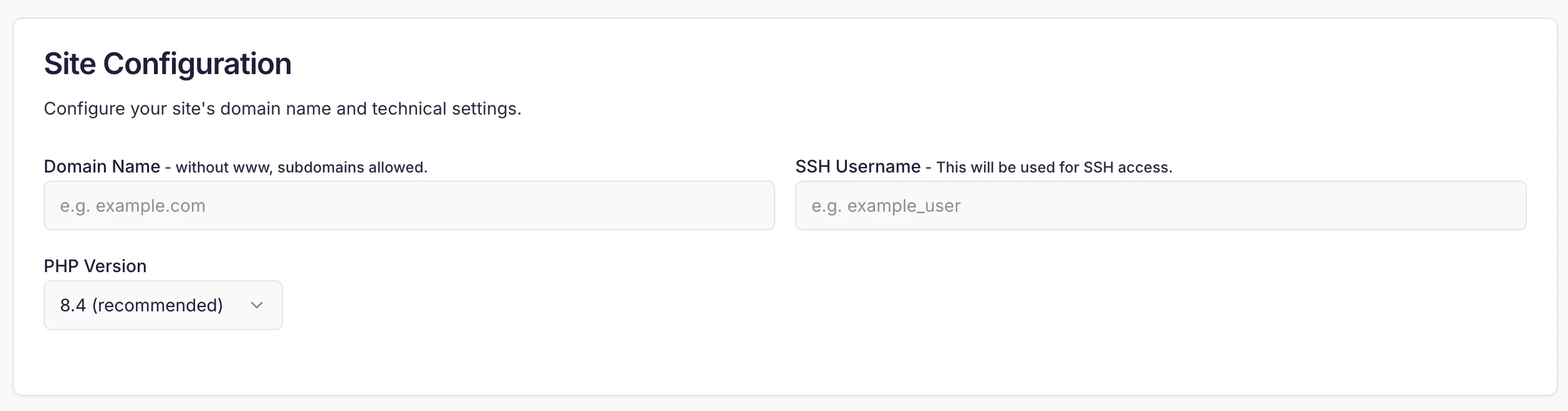 By default we select the highest installed PHP version as 'recommended'. You should not change this unless you know you require a different version.
Once your site has been installed you will see the details presented to you, including the main domain, and preview URL.
By default we select the highest installed PHP version as 'recommended'. You should not change this unless you know you require a different version.
Once your site has been installed you will see the details presented to you, including the main domain, and preview URL.
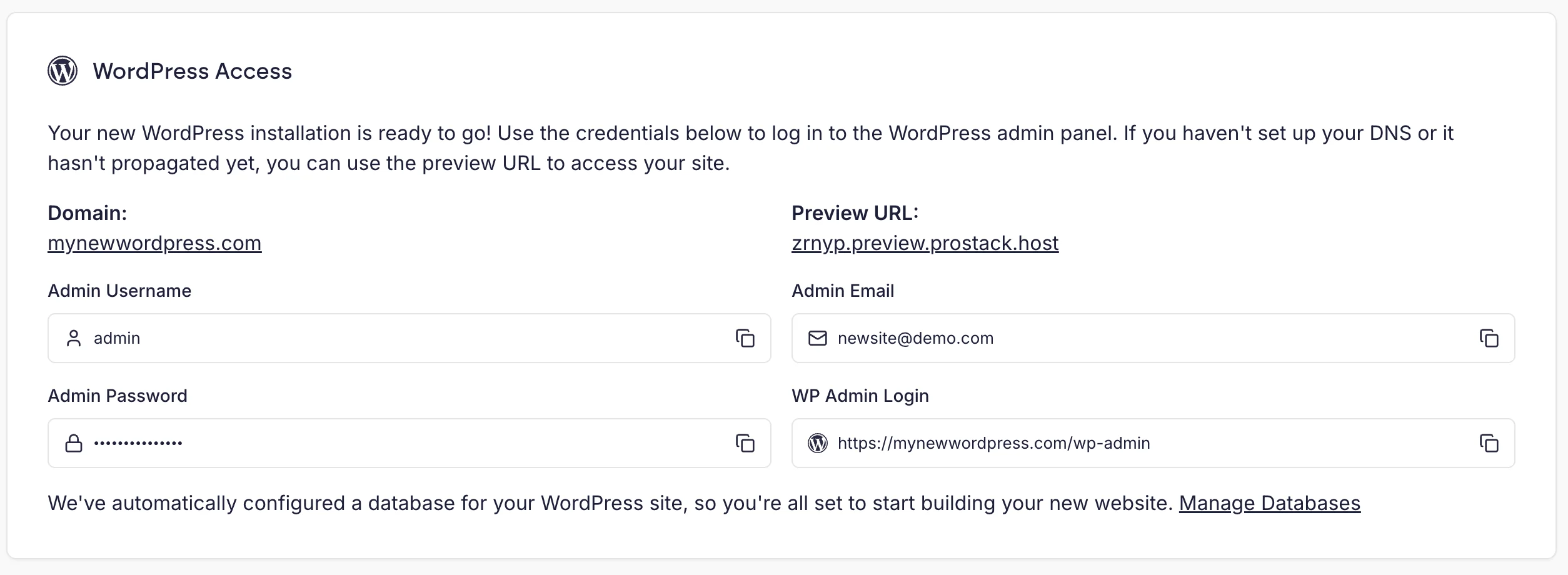 You should then visit the domain to complete the Wordpress installation wizard, which lets you configure the site details, including language, and admin credentials.
The `wp-cli` utility is installed by default for all users.
You should then visit the domain to complete the Wordpress installation wizard, which lets you configure the site details, including language, and admin credentials.
The `wp-cli` utility is installed by default for all users.