
About Cito
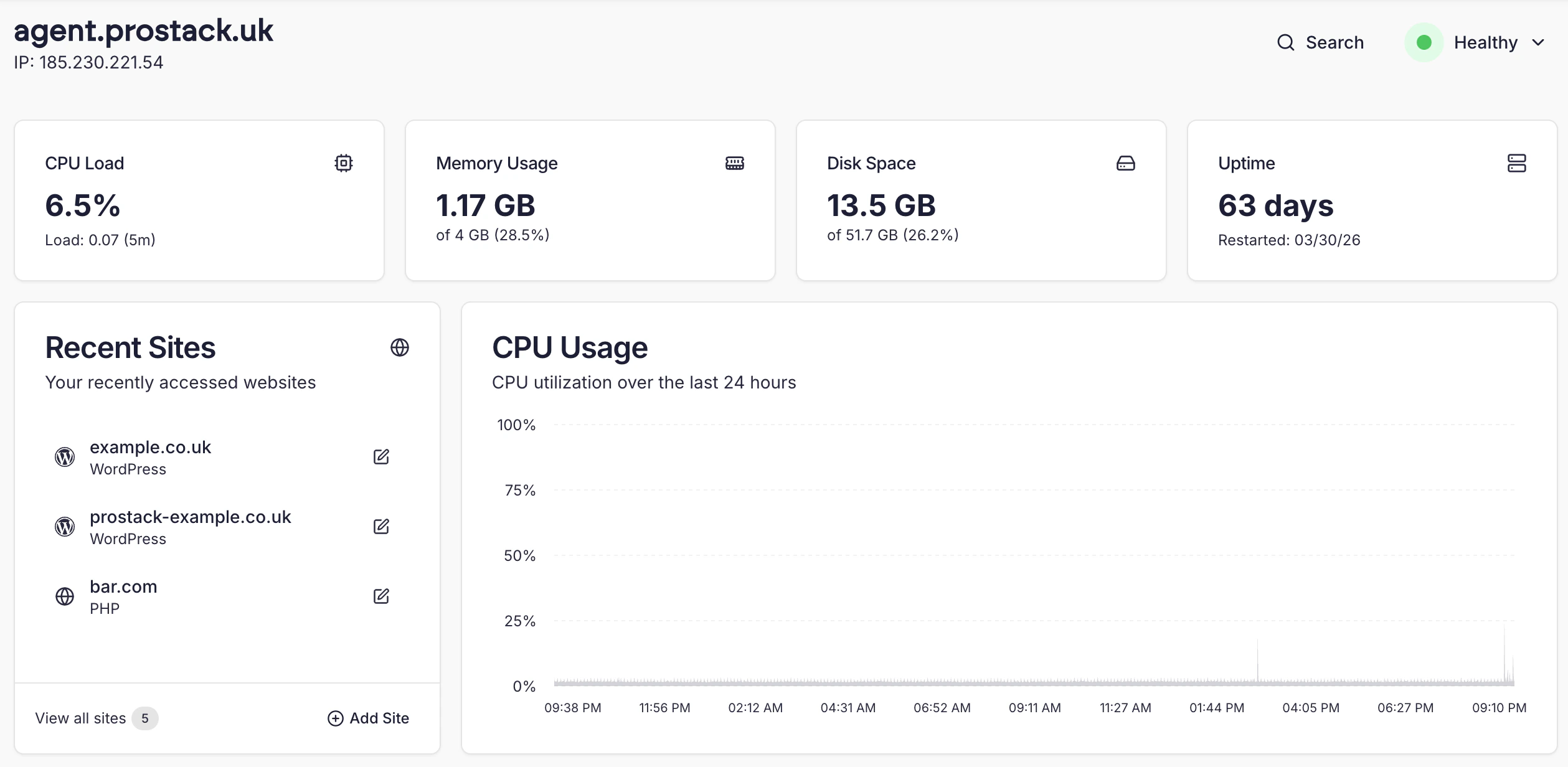
Prostack Cito is our tuned and tailored platform for running demanding PHP and NodeJS applications. Designed for simplicity, Cito allows you to create and manage your websites with ease. For a general overview of Cito’s features and support, please visit the main website here. Under the hood, Cito runs Debian, Nginx, MariaDB and PHP-FPM. This site provides instructions on how to use both the Cito dashboard and the CLI tools.Logging in
To log in, visit https://cito.prostack.uk. You will be prompted to authenticate with the Prostack Portal- this is the same as logging into the Client Area.Log into Cito
SSH & SFTP Access
For SSH and SFTP access, you can add SSH keys to individual sites via SSH. If you have not yet generated SSH keys, you can follow our guide here. Once a key has been added to a site, you can use it to authenticate using your Terminal or an SFTP client such as Filezilla.User structure
Each Cito site has it’s own system user and home directory. This is generally relative to/home.
When working on individual sites, you should switch to that user using sudo su - <username>. You can also SSH in directly as a user.
Deployments that use CI systems should ensure they log in as the site user, not admin. This is to avoid any permissions issues during deployment.
Installed utilities & developer tools
The usual developer tools are pre-installed: composer, git, along with common system administration utilities such as htop and curl. We also support:- Opensearch
- Redis
- WP-CLI