docker CLI command.
If you wish to proxy traffic to those containers, you will need to create a ‘Proxy Pass’ site type.
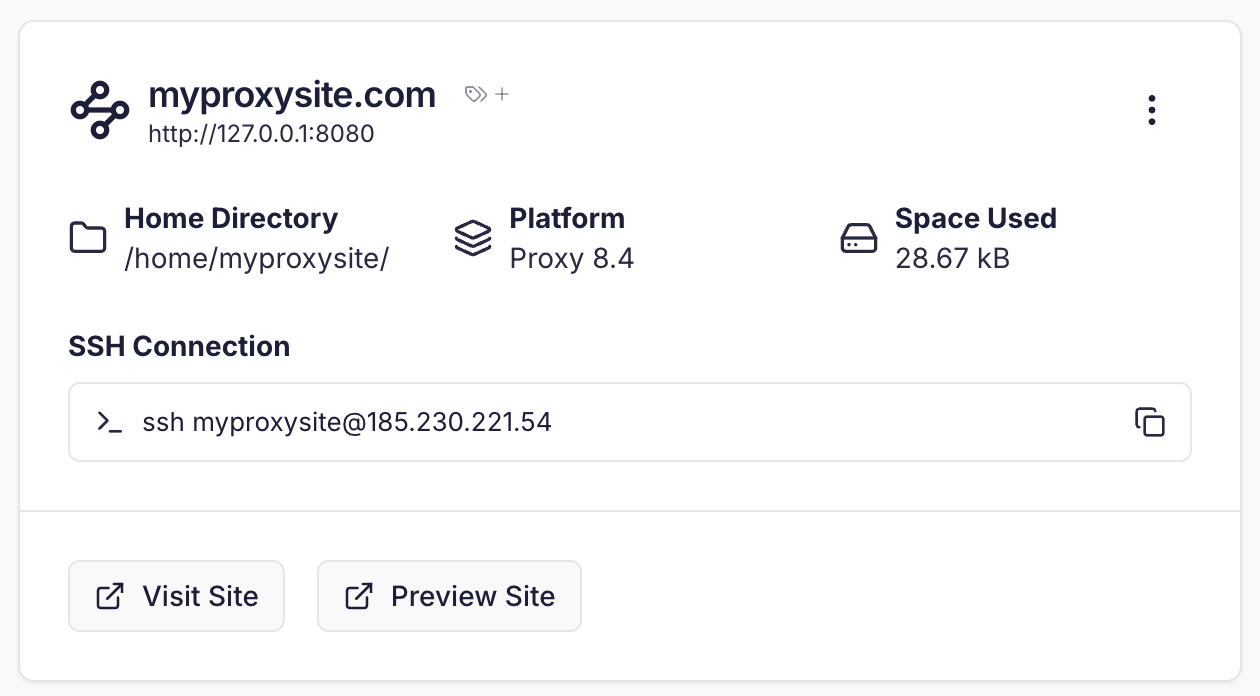
This allows you to specify the IP & Port of your container and have Cito pass traffic to it using a domain name you specify.
This guide will demonstrate how to create a Proxy Pass site type and start a simple container.
Starting containers
To start a container you use thedocker command. This must be prefixed with sudo.
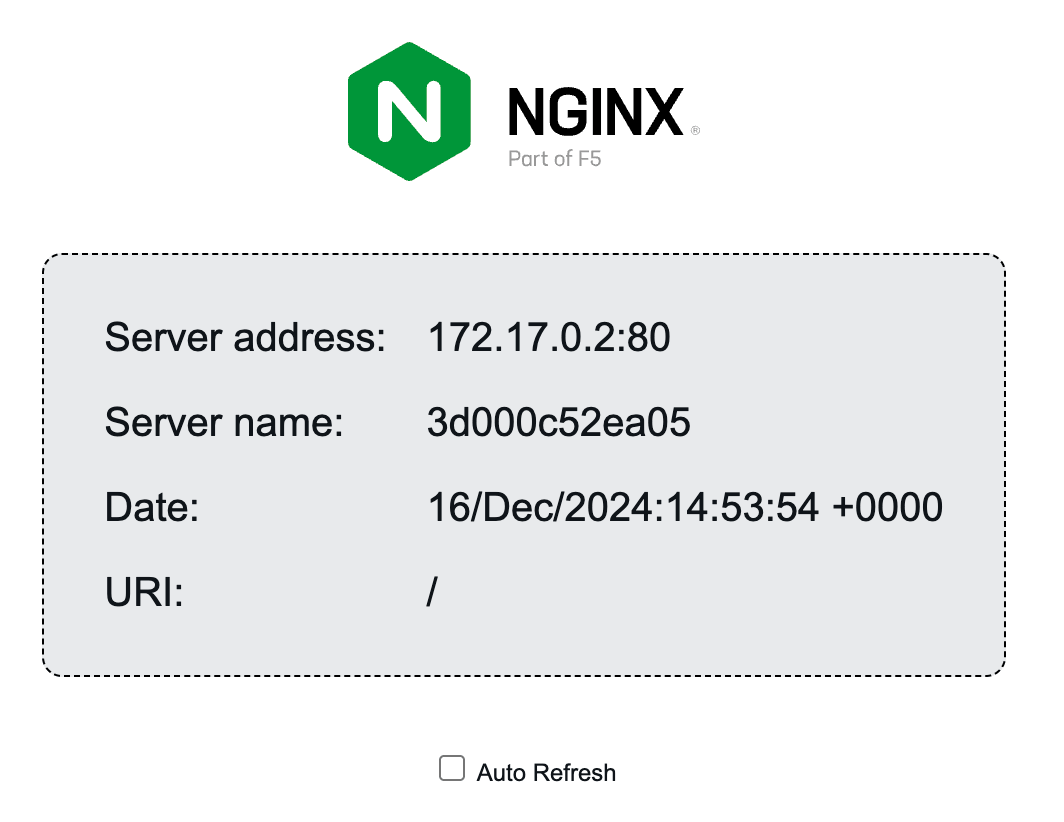
For example, to run the nginx “hello, world” example container on port 8000 (mapped to port 80 inside the host) run:
sudo docker ps:
8000) on the server. Next we can proceed to create our Proxy Pass site to direct traffic to it.
Creating the Proxy Pass site
Click ‘Create site’ in the top hand corner of the dashboard and select the “Proxy Pass” site type.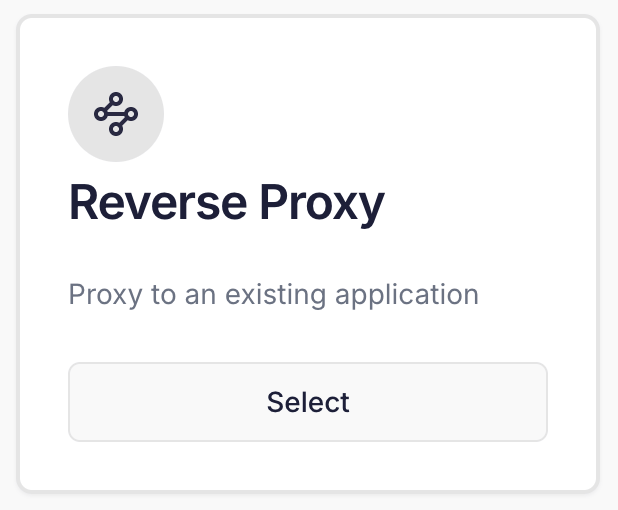
127.0.0.1:8000 which is where our container runs.