
Via the dashboard
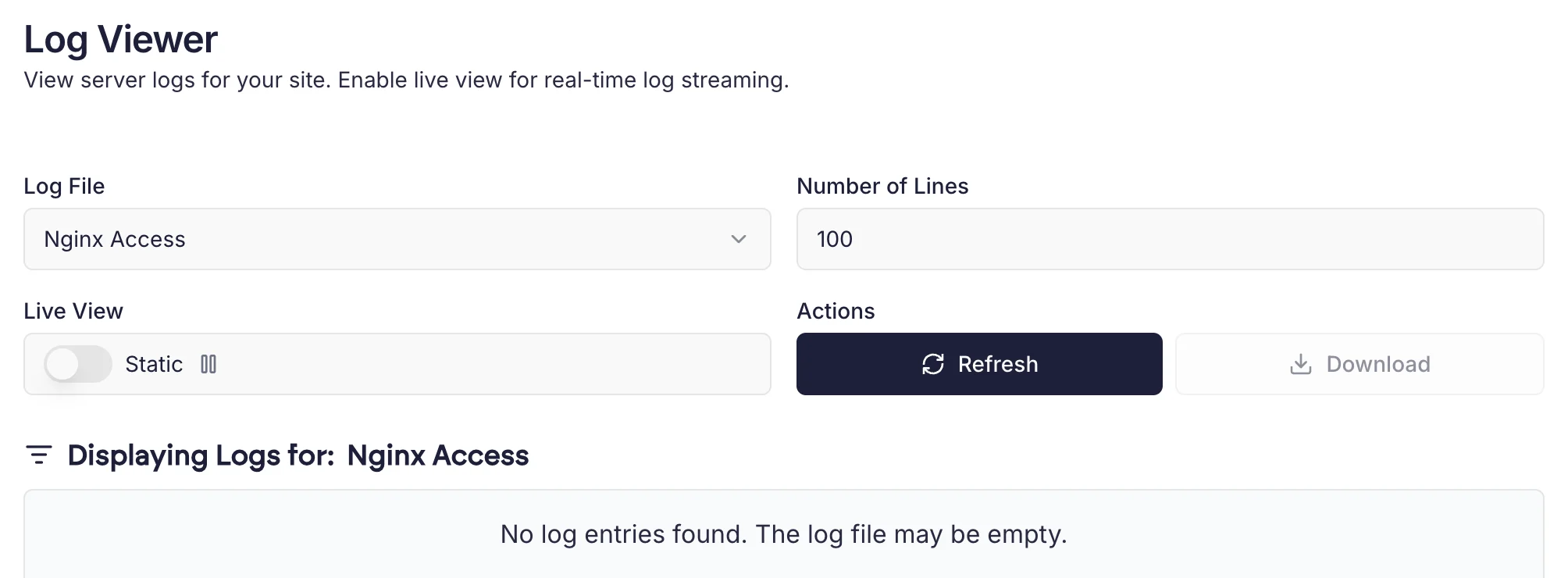
Cito has a built-in log viewer that can show you the following:- PHP Error logs: any logs generated by PHP (where relevant).
- Nginx error logs: this shows you any logs generated by the web server itself.
- Nginx access logs: shows you all requests to your site.
Common log locations
Below is a list of the common Cito logfiles you may need to utilise, including the path to use and the default retention.
Each individual domain has its own access and error logs for ease of reference.
How are PHP error logs generated?
PHP errors are logged to the fileerror_log in the directory they were generated in (e.g. public_html).