

What versions are supported?
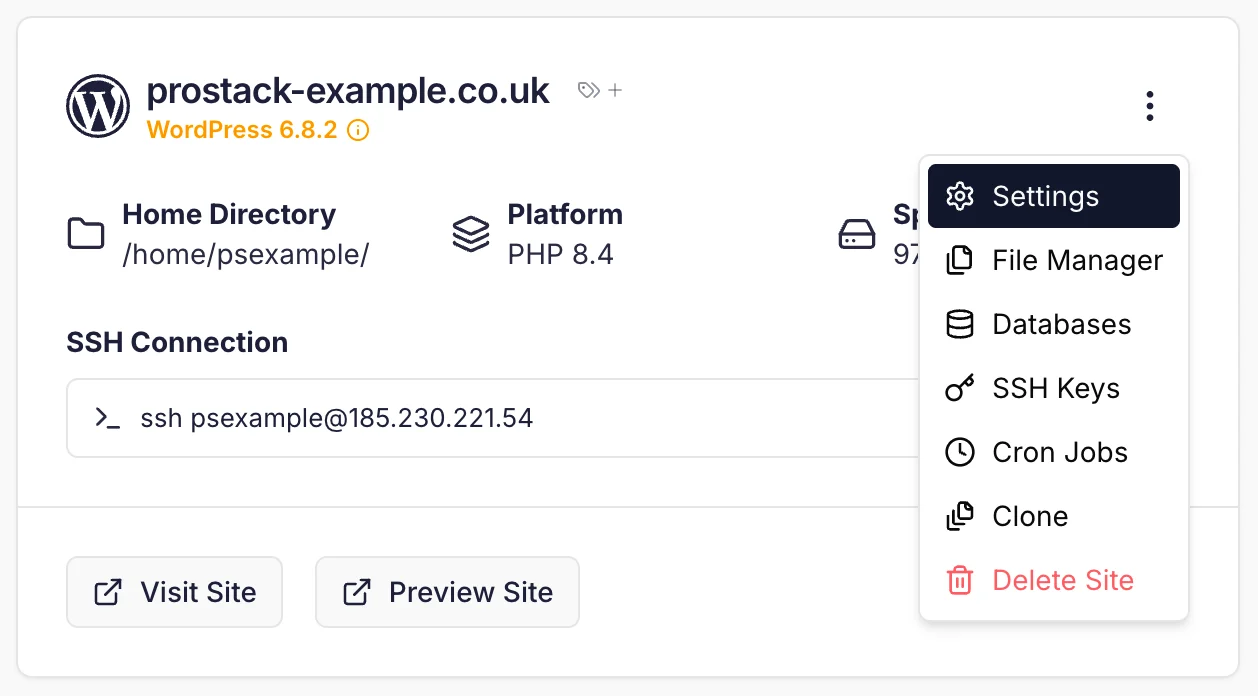
We follow the official PHP support policies detailed on https://www.php.net/supported-versions.php. You can view the supported versions on the Site Settings page. If you require another version of PHP to be installed, please contact Support who can arrange this.Using the CLI
To switch PHP versions on Cito sites, use thephpmgr utility:
Command-line PHP
It’s important to note that if you’re using a different PHP version in your CLI scripts you’ll need to either reference that version’s binary directly, or add an alias to yourbash_profile to switch to it.
For example, if your server has a default version of PHP 7.4 but you’re using PHP 8.0, you will need to invoke it at the command-line as follows:
php to your bash_profile as follows:
What extensions are enabled?
By default, the following extensions are enabled:- bcmath
- intl
- gd
- mbstring
- cli
- common
- curl
- imap
- json
- mysql
- opcache
- xml
- zip
- readline
- soap
- redis