
Aliases allow you to point multiple domains to a single site. This is useful if you have different variations of the same domain (e.g. a .co.uk and a .com) or if you want to use Wordpress Multisite. Domain aliases can be found in the Site settings page.

Add an Alias

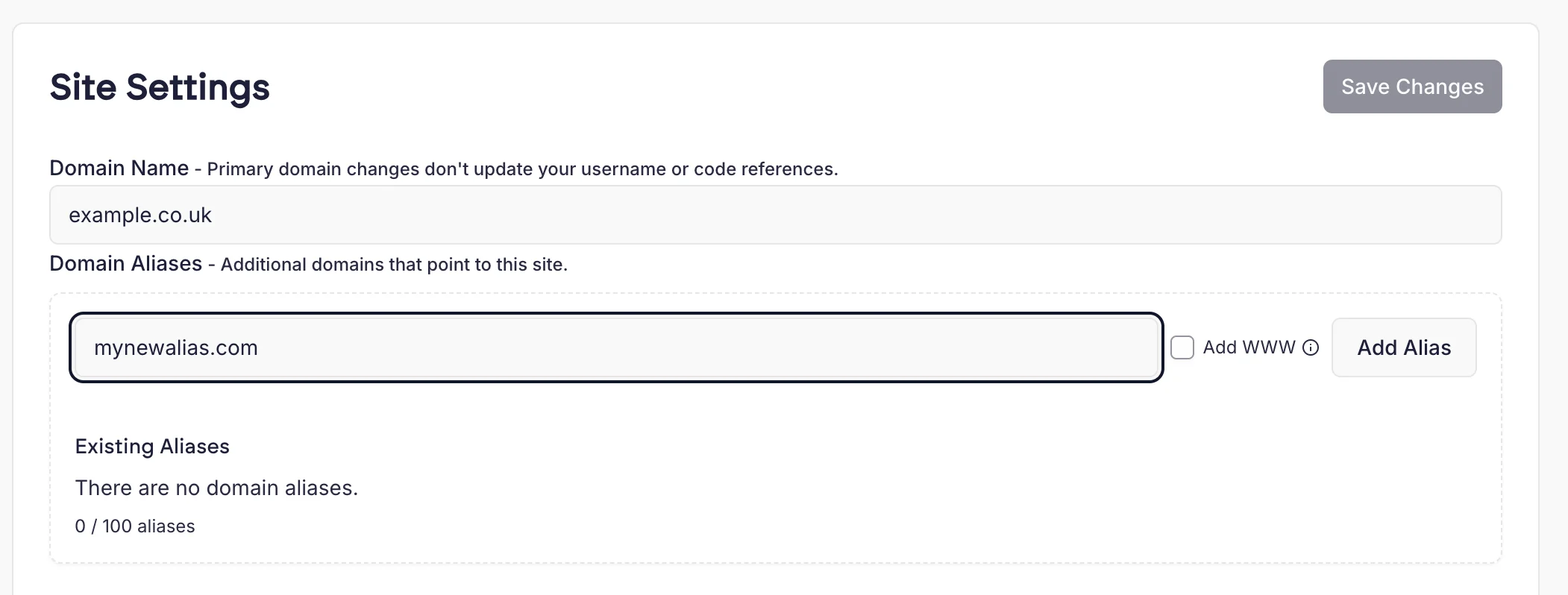
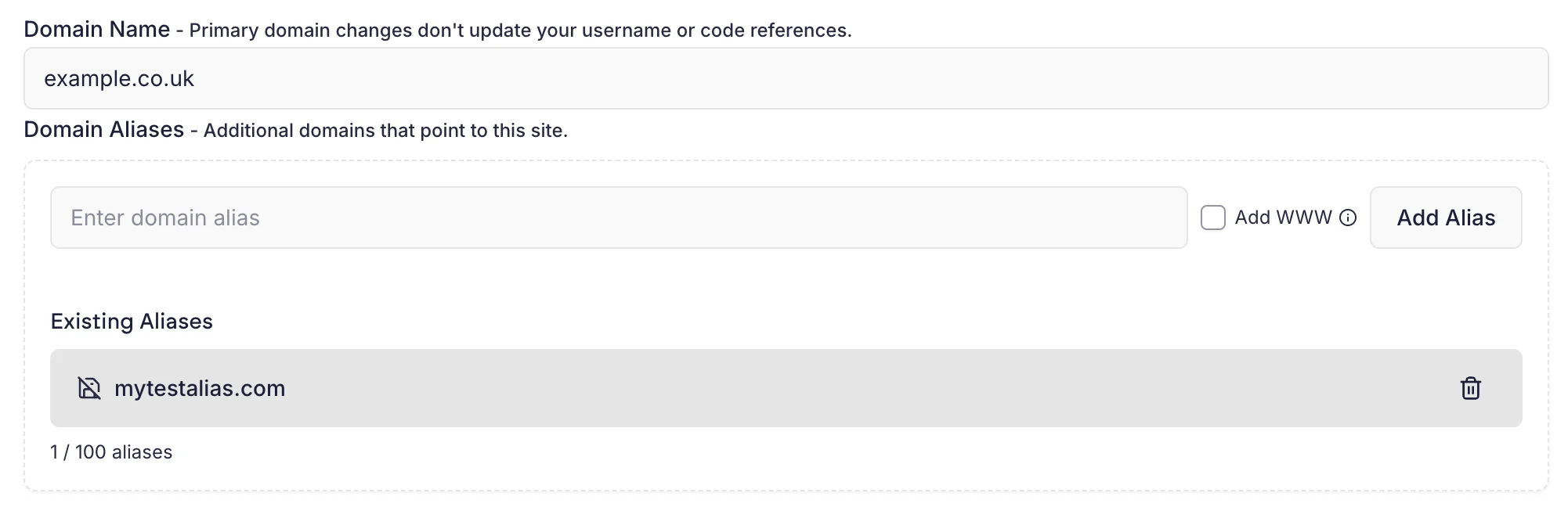
Redirects can be accessed from the site settings page. To access this, click the menu in the right hand side of a site card and then “Settings”. Scroll to the Domain Aliases section. You’ll see a list of your existing aliases. Simply type in the domain and click “Add Alias”. Aliases Empty Once you’ve added the alias you must click Save Changes to apply it. Aliases Test
Remove an Alias

To remove an Alias, click the bin icon next to the Alias in the list. You’ll be prompted to confirm its removal. Note that you must click Save Changes for the removal to take effect.

Alias SSL certificates

We automatically attempt to issue an SSL certificate for any new alias you add. Note that this is done by adding a SAN (Subject Alternate Name) to the primary domain’s existing certificate. There is a maximum of 98 aliases per site that we can issue an SSL certificate for. If you need more, we recommend using Cloudflare for your domains, as they are not subject to the same limitation.