
cron jobs) can be created and managed via the Cito dashboard, or via SSH.
Via the dashboard
Cron Jobs can be found via the Site settings page, by clicking the right hand menu icon next to a site card, then Settings. From here you’ll be able to view a list of existing cron jobs, and edit or delete them.
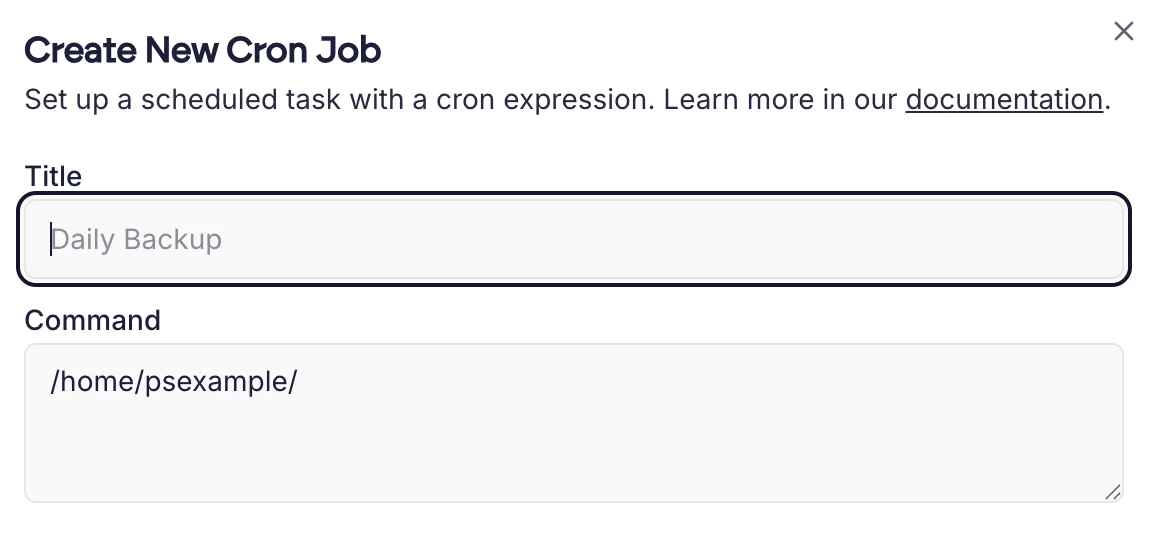
Example commands
If you have a PHP filemycron.php in /home/example, you can call it using the following command:
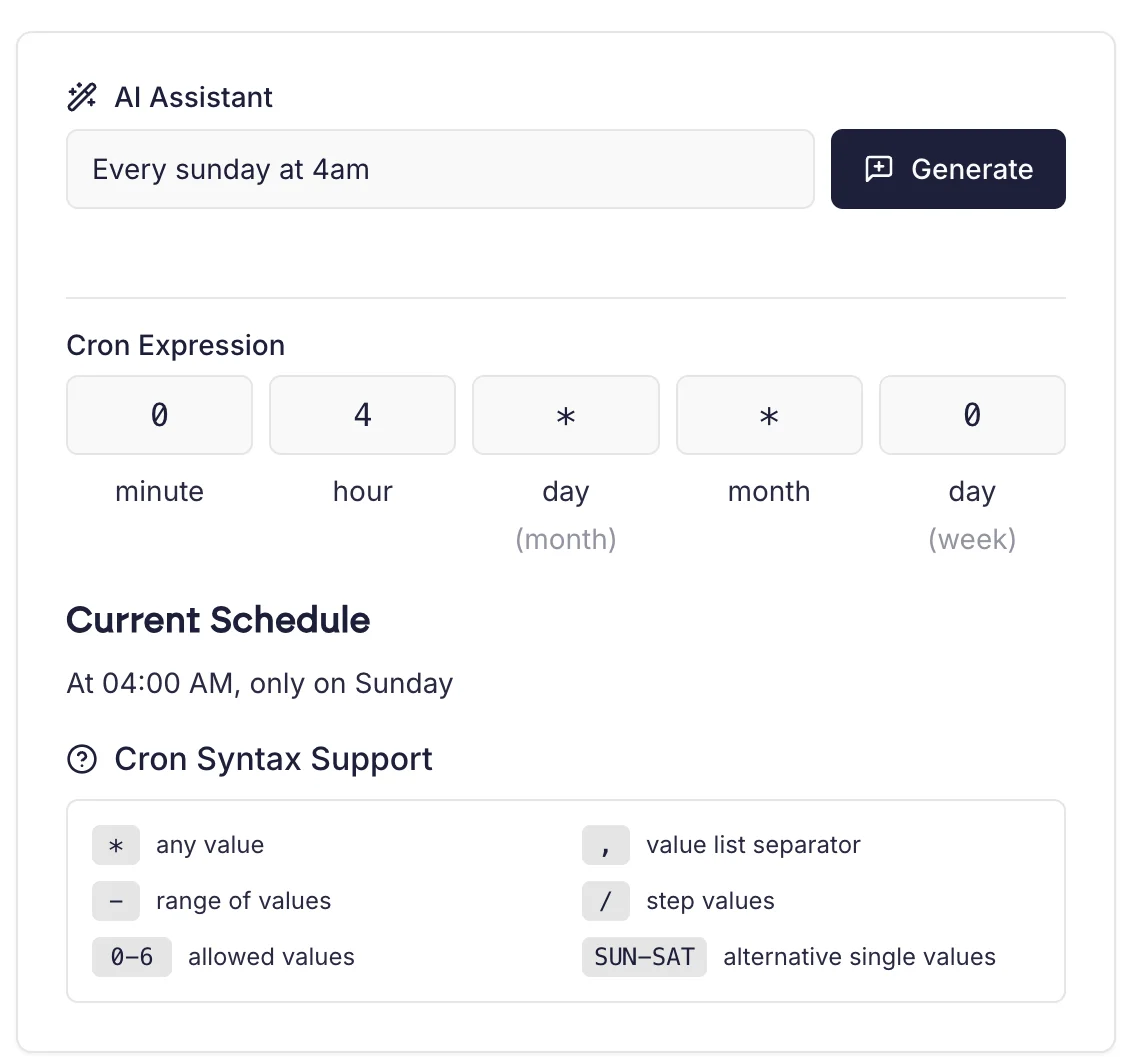
0 4 * * 0.
Once you have set the cron schedule, you can click Create Cron Job.
Via SSH
You can edit and manage cron jobs via the command line with thecrontab command.
Listing existing crons
Editing the crontab file
admin or root.