
Listing malware
You can click on the Security option in the navigation bar to view an overview of any infected files on your sites. Files are divided into two categories:- Active Threats
- Quarantined Files
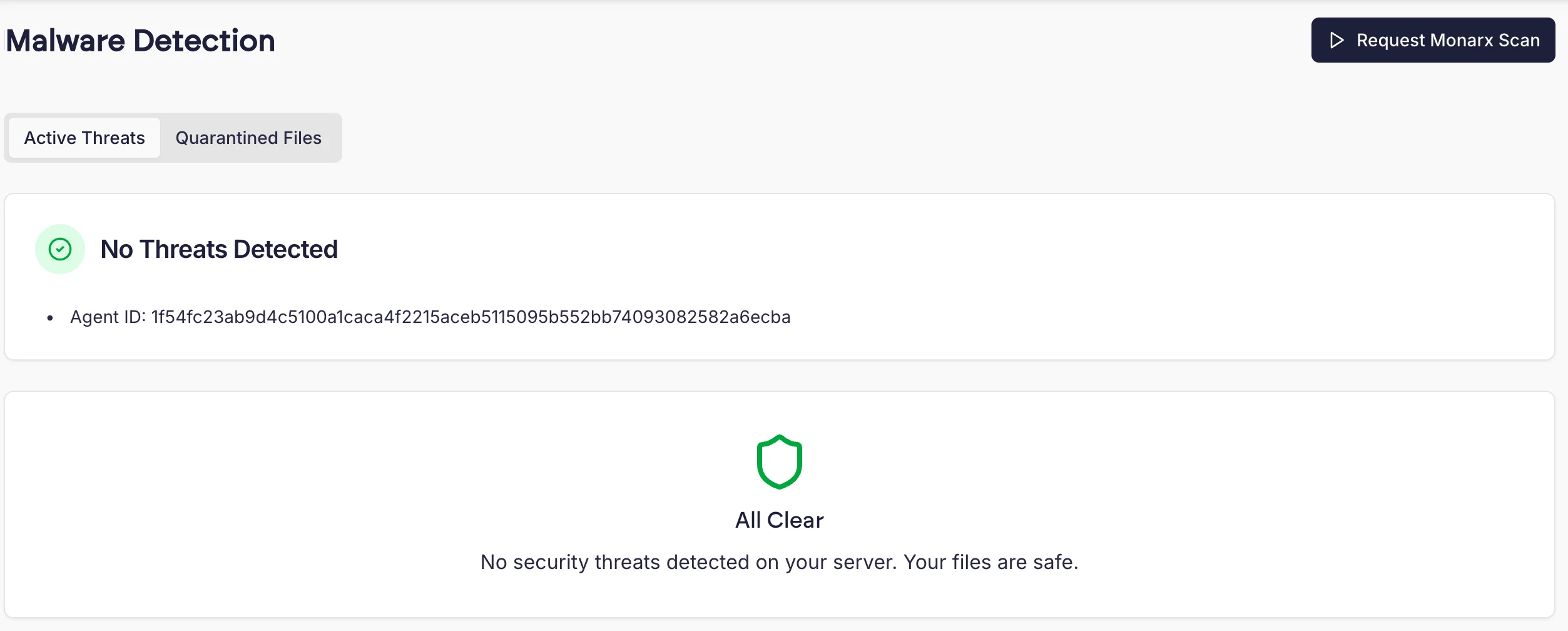
Note that Monarx automatically scans all new and modified files without needing to manually request a scan, so it is not required to run new scans manually.
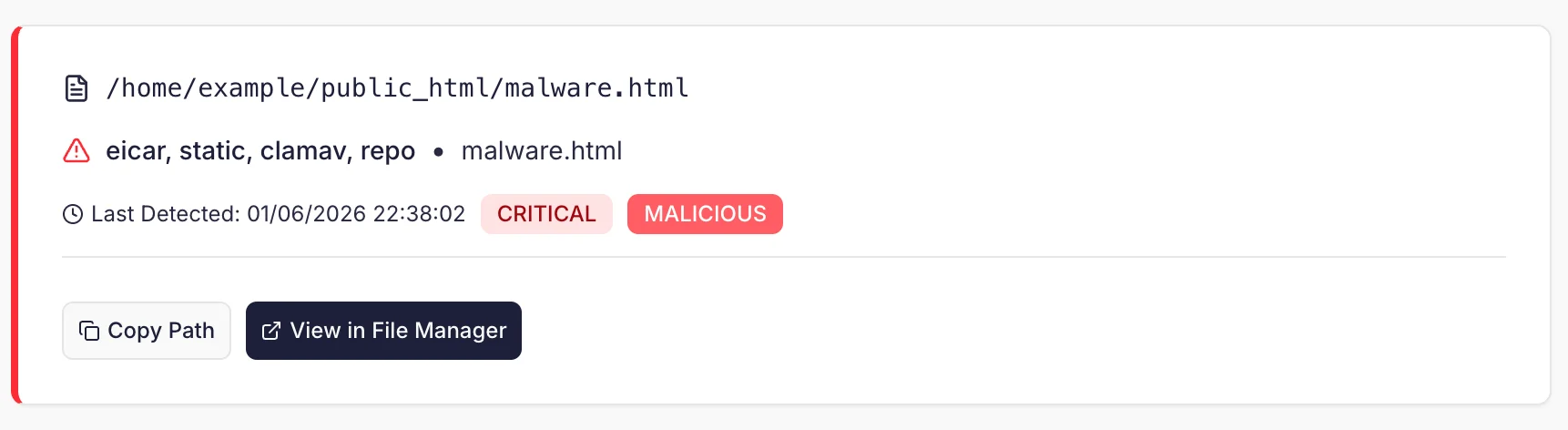
Viewing in File Manager
File Manager will display a warning in the header when a site has been infected with Malware. We’ll also show a warning icon next to any file that has malware.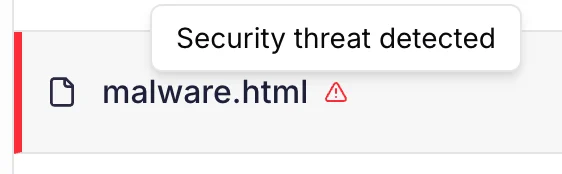
Automatic Cleanup
Cito comes pre-installed with Monarx which provides detection and alerting of malware infections. Monarx will not automatically clean up malware. By default, it operates in ‘Detect and Notify’ mode. To automatically remove malware you will need to upgrade to Monarx Active Protection. We will automatically email you to offer an upgrade if we detect a malware infection on one of your sites. This email will contain instructions on how to upgrade and how you can ensure your sites are safe. For more information you can see the resources linked below. To upgrade contact Support.Further resources
How do I fix malware issues found by Monarx Security? My site’s been hacked, what can I do?Appendix: Monarx File Classification
Monarx classifies files into one of the following categories: Malicious- Malicious files consist entirely of harmful code, with no legitimate purpose or content tied to the website or application they inhabit. These files are designed solely to cause damage or unauthorized activity. With Active Protection activated, Monarx automatically quarantines these files—isolating them from execution—and often blocks their execution entirely using the Protect Zend extension.
- Compromised files are legitimate elements of a website or application that have been tainted by malicious code. Originally designed for valid purposes, these files have been altered through malware injection. With Active Protection enabled, Monarx automatically restores their integrity by removing the malicious code while preserving the original, legitimate functionality.
- Suspicious files exhibit traits that raise concern but lack sufficient evidence to be definitively labeled as malicious or compromised. This uncertainty prevents safe automated remediation. Monarx continuously analyzes these files to refine its classification accuracy and periodically reclassifies them as new insights emerge.
- PUA (Potentially Unwanted Application) files encompass legitimate or potentially legitimate software—such as file managers, database tools (e.g., Adminer), and .htaccess files—that threat actors frequently exploit to maintain persistence in compromised systems. Despite their valid uses, these files carry inherent risks. The Monarx Agent classifies them as PUA, leaving them intact for possible legitimate purposes while alerting users to the potential dangers, empowering informed decisions. Unlike “Malicious” files, Monarx does not automatically remediate PUA files.
- Vulnerable files contain known security weaknesses that require—or previously required—a patch to mitigate exploitation risks. These files aren’t inherently malicious but could be targeted by attackers if left unaddressed.